Description
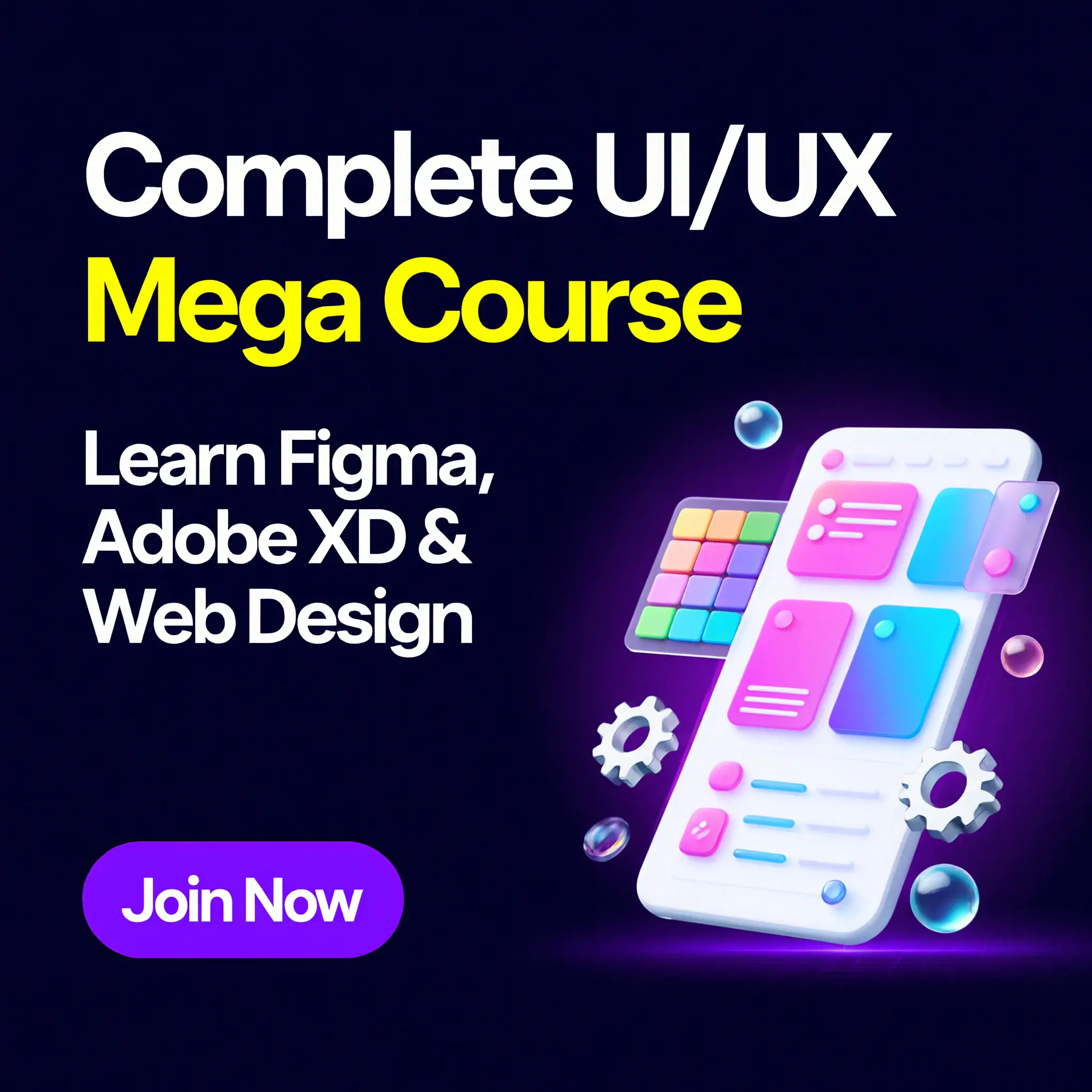
Welcome you to the Complete UI/UX Mega Course using Figma🎉🌟, where we’ll learn everything you need to start working as a UI/ UX Designer using Figma.
Together, we’ll explore how to create beautiful user interfaces and engaging prototypes using this powerful UI/UX design tool🎨💡. We’ll also cover the expectations that clients have for new UI/UX designers so that you can be well-prepared for your first job.💼
If you’re new to design or User Experience design, don’t worry. This course is intended to be accessible to beginners, and we’ll start with the basics and work our way up.🚀
By the end of the course, you’ll have the skills and knowledge to create professional designs and prototypes that meet users’ needs and goals.🎓
- welcome you to the Complete UI/UX Mega Course using Figma🎉🌟, where we’ll learn everything you need to start working as a UI/ UX Designer using Figma.
- Together, we’ll explore how to create beautiful user interfaces and engaging prototypes using this powerful UI/UX design tool🎨💡. We’ll also cover the expectations that clients have for new UI/UX designers so that you can be well-prepared for your first job.💼
- If you’re new to design or User Experience design, don’t worry. This course is intended to be accessible to beginners, and we’ll start with the basics and work our way up.🚀
- By the end of the course, you’ll have the skills and knowledge to create professional designs and prototypes that meet users’ needs and goals.🎓
- First, we will provide an overview of how to work with a UX persona, followed by a guide on creating basic wireframes.
- Then, we will delve into best practices for incorporating colors and images in your designs, as well as dos and don’ts for selecting fonts for web and mobile apps.🎨🖼️
- Additionally, we will cover the creation of custom icons, buttons, and other UI components, and introduce key concepts such as Components, Constraints, and Multi-Dimensional Variants, which are easy to grasp once you understand them.💡
- To streamline our workflow, we will explore free UI kits and plugins for Figma.🧰🔌
- We will then build a simple style guide to prepare for client handoff.
- Finally, we will explore how to create both simple and advanced micro-interactions, page transitions, and animations, ensuring a comprehensive understanding of these key elements in design.🎬
- By the end of this course, you will have created fully interactive prototypes and seen a project through from start to finish, collaborating with team members and exporting the appropriate files for your developer or software engineer.
- While we will primarily focus on using Figma software, I will also explain the key techniques and industry terms used in UX design and project management. By the end of the course, you will have a strong grasp of these concepts and be capable of managing your own UX projects.
- Throughout the course, I will assign projects to help you develop your skills and create a unique portfolio piece. It’s time to take your skills to the next level and become a Figma Hero.🚀💪
- Who is this course for
- This course is designed for individuals who are looking to incorporate Figma into their careers and get paid for their user experience design skills.
- It is specifically tailored to beginners, newbies, and amateurs in the field of UX designers who are new to the world of design and user experience.
- If you need to add “UX Design” to your portfolio or are interested in learning the essentials of UI and UX design, this course is for you.
- KEY QUESTIONS:
- What are the course requirements?
- Access to a laptop or computer.
- Will certificate be issued?
- Yes, a certificate of completion will be issued at the end of the course.
- Then, we will delve into best practices for incorporating colors and images in your designs, as well as dos and don’ts for selecting fonts for web and mobile apps.🎨🖼️
- Additionally, we will cover the creation of custom icons, buttons, and other UI components, and introduce key concepts such as Components, Constraints, and Multi-Dimensional Variants, which are easy to grasp once you understand them.💡
- To streamline our workflow, we will explore free UI kits and plugins for Figma.🧰🔌
- We will then build a simple style guide to prepare for client handoff.
- Finally, we will explore how to create both simple and advanced micro-interactions, page transitions, and animations, ensuring a comprehensive understanding of these key elements in design.🎬
By the end of this course, you will have created fully interactive prototypes and seen a project through from start to finish, collaborating with team members and exporting the appropriate files for your developer or software engineer.
While we will primarily focus on using Figma software, I will also explain the key techniques and industry terms used in UX design and project management. By the end of the course, you will have a strong grasp of these concepts and be capable of managing your own UX projects.
Throughout the course, I will assign projects to help you develop your skills and create a unique portfolio piece. It’s time to take your skills to the next level and become a Figma Hero.🚀💪
Who is this course for
- This course is designed for individuals who are looking to incorporate Figma into their careers and get paid for their user experience design skills.
- It is specifically tailored to beginners, newbies, and amateurs in the field of UX designers who are new to the world of design and user experience.
- If you need to add “UX Design” to your portfolio or are interested in learning the essentials of UI and UX design, this course is for you.
KEY QUESTIONS:
What are the course requirements?
Access to a laptop or computer.
Will certificate be issued?
Yes, a certificate of completion will be issued at the end of the course.
Designed for students, beginners, and aspiring ML engineers, this course goes beyond theory. By the end, you’ll complete practical projects (including an Uber data analysis capstone), work confidently with real datasets, and understand the full ML workflow from data to deployment.
Course Highlights
🔹 ML Foundations
Learn what ML is, key types (supervised, unsupervised, reinforcement), common applications, and how to set up your Python ML environment.
🔹 Python for ML
Master Python from basics to advanced: control flow, functions, modules, exceptions, OOP, and advanced tools like iterators, closures, and decorators—with exercises and assignments.
🔹 Data Analysis + Visualization
Clean and explore real data with NumPy and Pandas, then communicate insights using Matplotlib and Seaborn (plus file I/O like CSV, Excel, and SQL).
🔹 Capstone: Uber Data Analysis
Run a complete data analysis project—from cleaning and exploration to insights and presentation-ready visuals.
🔹 Stats, Probability & Math for ML
Cover descriptive and inferential statistics, probability distributions, hypothesis testing, and ML math essentials like vectors, calculus, and optimization.
🔹 Feature Engineering + Data Prep
Handle outliers, missing values, categorical and imbalanced data, and perform EDA/feature engineering using real datasets.
🔹 Models + Deployment + Databases
Build supervised models (regression/classification) and unsupervised models (clustering, PCA), evaluate performance, work with MySQL/PostgreSQL, and learn how deployment fits into real ML projects.
Key Questions
What are the course requirements?
Access to a Laptop or Computer.
Will the certificate be issued?
Yes, a certificate of completion will be issued at the end of the course at No charge.